Thinking about registering your first domain name? 🌐
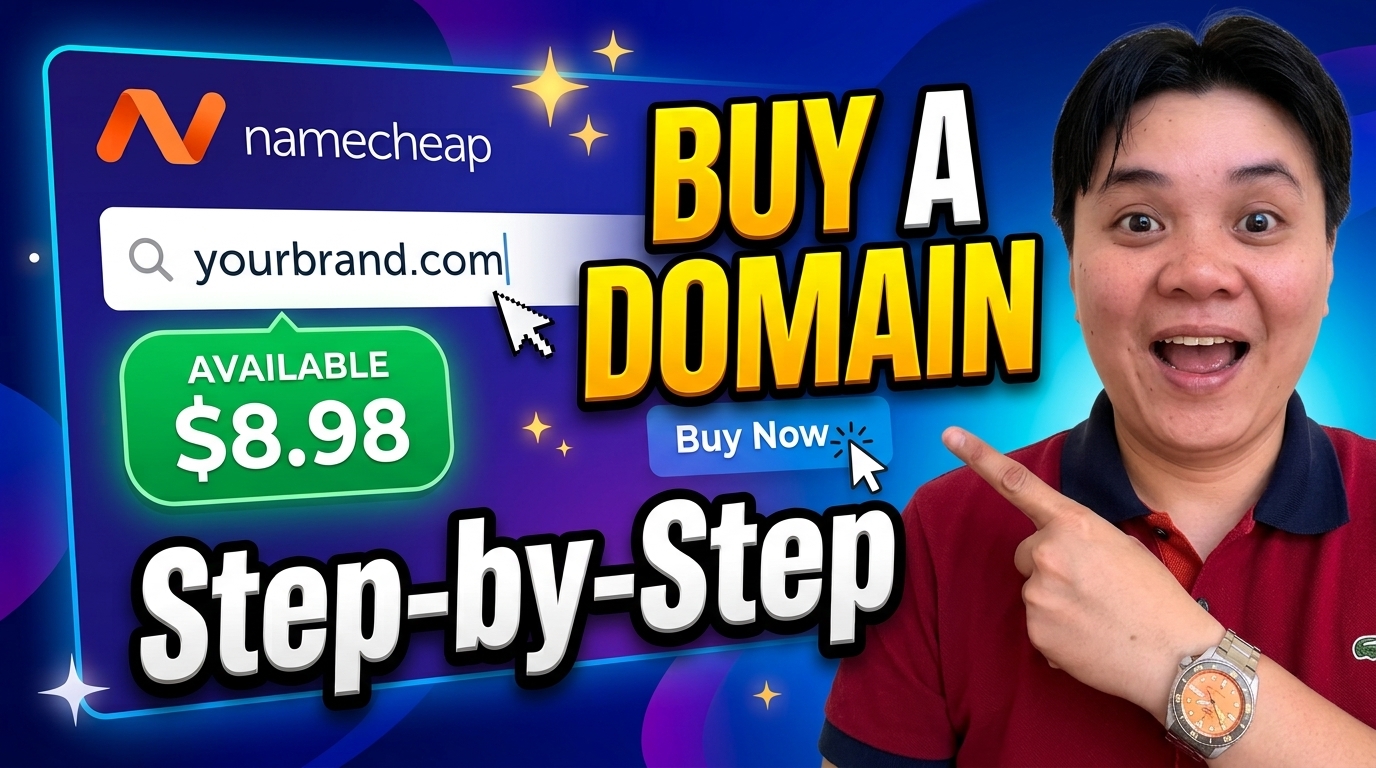
I’ve created a short step-by-step video showing how I searched for an available domain, selected the registration period, reviewed the available add-ons, enabled domain privacy, and completed the checkout process on Namecheap.
Whether you’re starting a blog, portfolio, or business website, this walkthrough can help you understand what to expect before purchasing your domain.
▶️ Watch the tutorial on YouTube
📖 Read the Full Guide
For the complete written walkthrough—including my experience choosing a three-year registration, reviewing the final price, creating a Namecheap account, and accessing the domain dashboard—read my original blog post:
👉 How I Bought My Domain on Namecheap
📌 In This Video
- Searching for an available domain name.
- Choosing a domain extension and registration period.
- Reviewing add-ons and privacy protection.
- Creating or signing in to a Namecheap account.
- Completing payment and checking the domain dashboard.
- Reviewing auto-renewal and domain expiration settings.
🎉 If you’re planning to build your online presence, registering a domain is a great first step. Thanks for watching, and let’s keep learning together!