Category: Atlassian
-

Thinking about registering your first domain name? 🌐 I’ve created a short step-by-step video showing how I searched for an available domain, selected the registration period, reviewed the available add-ons, enabled domain privacy, and completed the checkout process on Namecheap. Whether you’re starting a blog, portfolio, or business website, this walkthrough can help you understand…
-
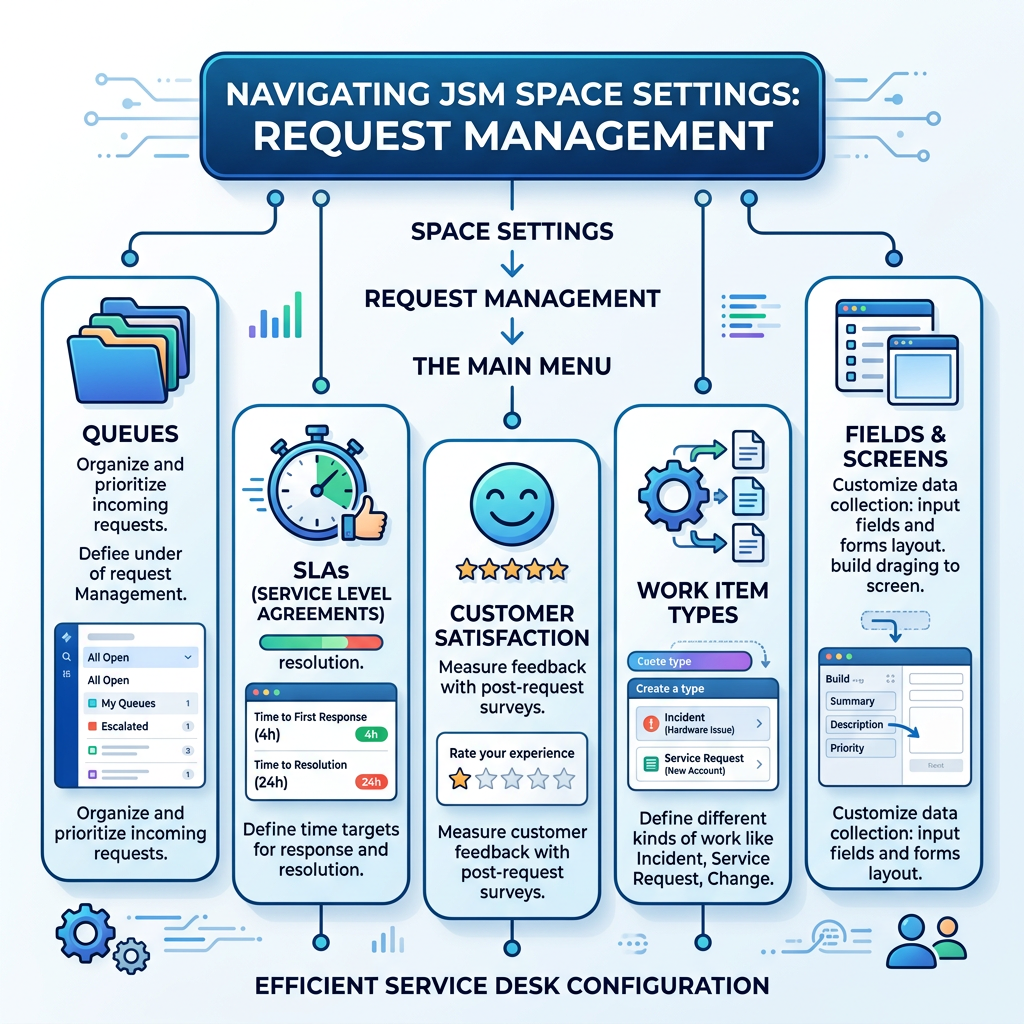
We’ve already covered the first part of Request Management > Request Types, Forms & Workflows so in this post, we’re moving on to the next set of settings: Queues, SLAs, Customer Satisfaction, Work Item Types, Fields, and Screens. These are the behind-the-scenes pieces that help keep a Jira Service Management space organised, efficient, and easier…
-
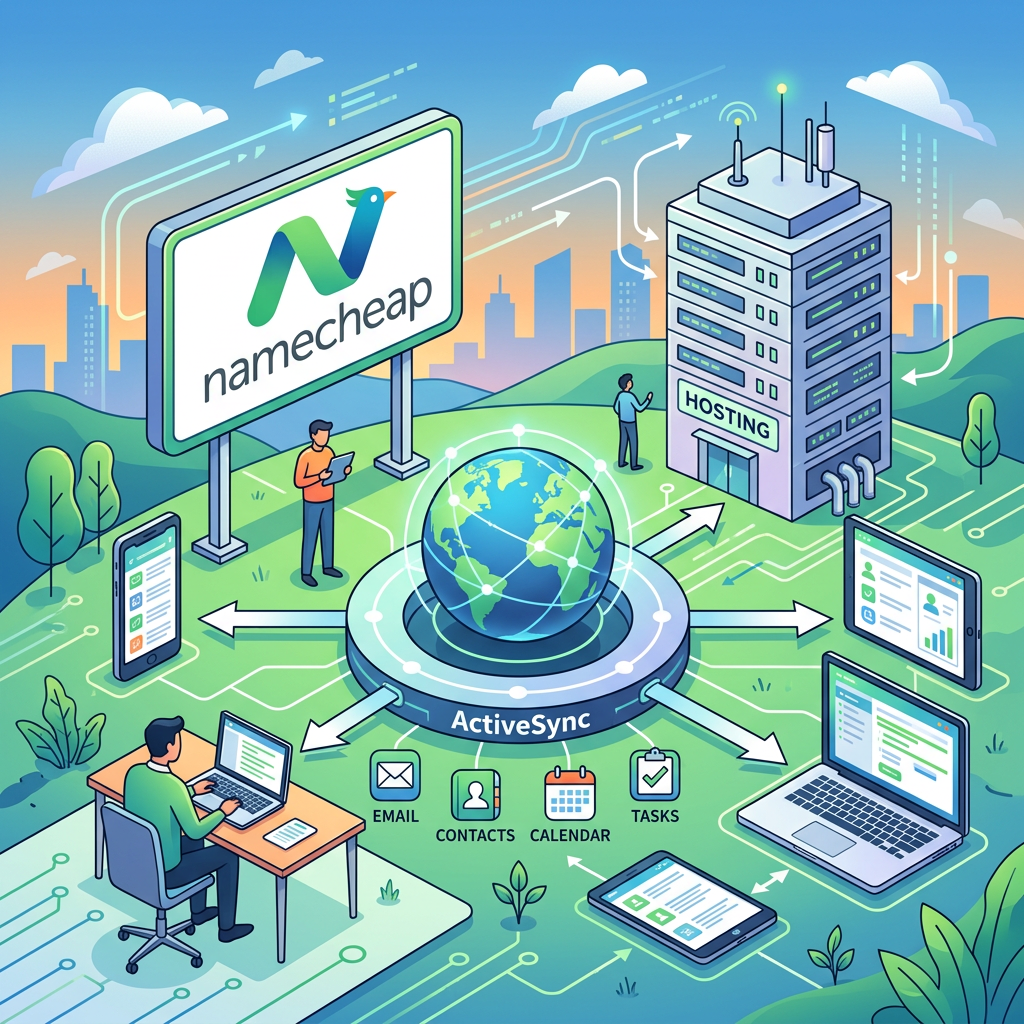
If you’re using Namecheap Private Email with ActiveSync on your phone or tablet, here’s a critical update you need to know about. 🚨 🔔 What’s Happening? Namecheap is discontinuing ActiveSync support on August 3, 2026, as part of their migration to a new Private Email webmail platform. This change affects users who currently sync their…
-

In the previous post, we have discussed the Access settings. Now, we will dig about Request Management which will show the first part for Request Types, Forms & Workflows. Under Space settings > Request management, find Request types, Forms, Workflows. This is where ITSM shines, you can customize what customers see in the portal vs.…
-

In our previous post, we explored the Details, Summary, and Features of a Jira Space. Covering how to set up your space identity and configure key capabilities. Today, we’re diving into the Access settings, your control centre for who can do what inside your space. 🎯 To get there: Space Settings → Access 🛠️ 👥…