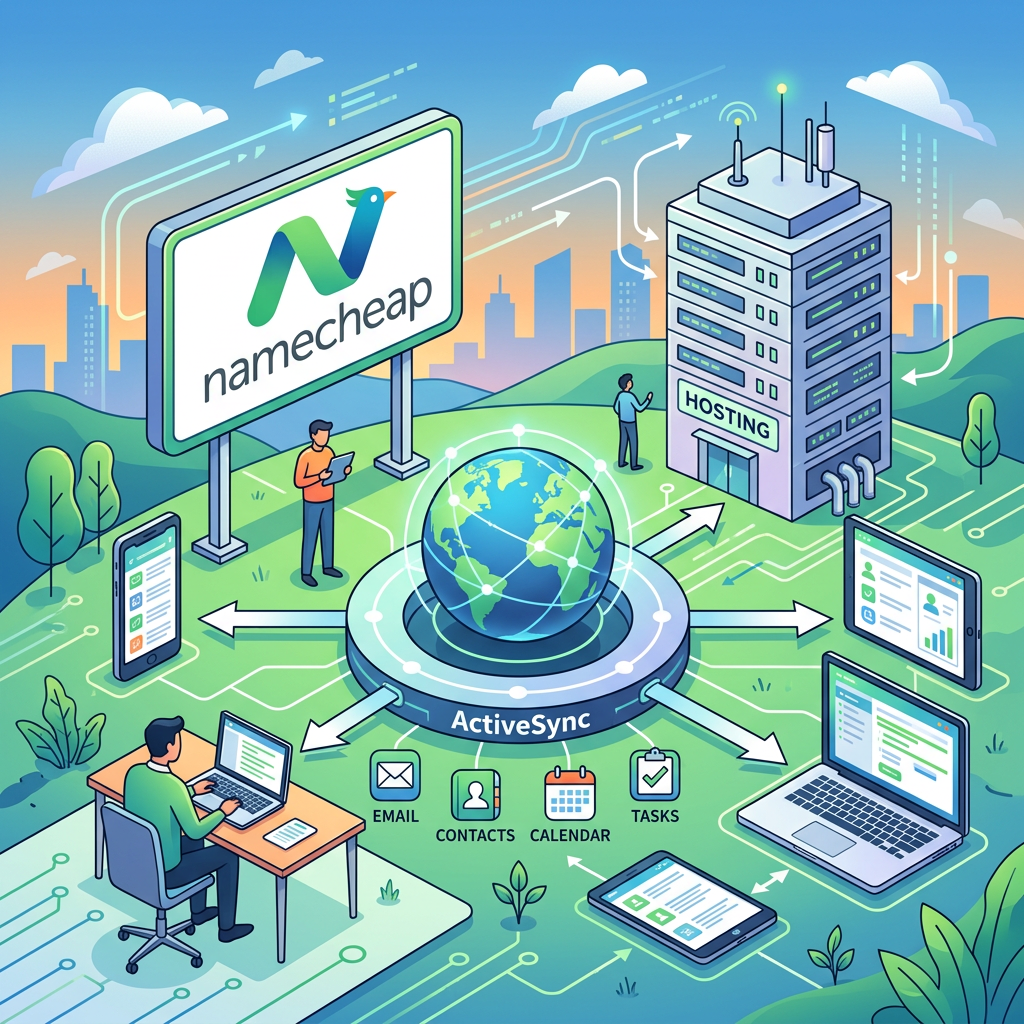
If you’re using Namecheap Private Email with ActiveSync on your phone or tablet, here’s a critical update you need to know about. 🚨
🔔 What’s Happening?
Namecheap is discontinuing ActiveSync support on August 3, 2026, as part of their migration to a new Private Email webmail platform.
This change affects users who currently sync their email, calendar, and contacts using the ActiveSync (Exchange) protocol on mobile devices.
⚠️ What This Means for You
If you’re using ActiveSync:
- Your mail, calendar, and contacts will stop updating automatically on your mobile device after August 3, 2026
- You’ll need to reconfigure your email app to continue receiving messages
Note: Your Private Email account and all your messages are safe — this only changes how your device connects to the service.
✅ What You Need to Do
To keep your email working, you’ll need to switch to IMAP/SMTP for email and CalDAV/CardDAV for calendar and contacts. Here are the exact settings:
📥 Email Settings (IMAP/SMTP)
| Setting | Value |
|---|---|
| Incoming server (IMAP) | mail.privateemail.com |
| Incoming port | 993 |
| Incoming encryption | SSL |
| Outgoing server (SMTP) | mail.privateemail.com |
| Outgoing port | 465 or 587 |
| Outgoing encryption | SSL |
| Username | Your full email address |
| Password | Your email password |
📅 Calendar & Contacts (CalDAV/CardDAV)
| Service | Server |
|---|---|
| Calendar (CalDAV) | dav.privateemail.com |
| Contacts (CardDAV) | dav.privateemail.com |
🛠️ How to Reconfigure Your Device
On iOS (iPhone/iPad):
- Go to Settings > Mail > Accounts
- Remove your existing Namecheap account
- Tap Add Account > Other > Add Mail Account
- Enter your details and use the IMAP/SMTP settings above
- For calendar/contacts, add separate CalDAV/CardDAV accounts using the servers listed
On Android:
- Open your email app (Gmail, Outlook, etc.)
- Remove the existing account
- Add a new account using IMAP settings above
- Most Android email apps support IMAP natively
On macOS Mail:
Namecheap has specific guidance for Mac users, you can access it via webmail by clicking the Gear icon > Connect Your Device > macOS for step-by-step instructions.
💡 Pro Tips
- Test before August 3: Don’t wait until the deadline – reconfigure now to avoid disruption
- Backup important emails: Use your webmail at privateemail.com to verify all messages are accessible
- Calendar migration: If you have existing calendar events, you can export them as
.icsfiles from your old setup and import them into the new CalDAV configuration
🔗 Helpful Resources
- Namecheap’s official announcement on the new webmail
- IMAP/SMTP and CalDAV/CardDAV configuration details
- General Private Email configuration guide
- https://www.namecheap.com/support/knowledgebase/article.aspx/10820/2179/private-email-caldavcardav-and-imapsmtp-details/
📝 Why I’m Sharing This
I use Namecheap for my domain registration and received this notification hence I wanted to share this with my blog readers in case anyone else is affected especially since this change is coming up soon! 🙌
Leave a Reply