Tag: domain
-

🌏 How to Switch Your Atlassian Email to a Domain-Based Account
Switching your personal Atlassian email (like hello@gmail.com ) to a domain‑based one (like me@yourcompany.com ) is one of those small but super‑important admin tasks. 🎯 In this post I’ll walk you through exactly what I did so you can do the same if you’re migrating from a personal address to a company‑managed Atlassian account. 🧩 Why change…
-

⚙️ Adding DNS (TXT) record in Namecheap for Atlassian domain verification
Now that my Atlassian account is set up and my domain is live, I jumped into the Namecheap dashboard → “Manage” → “Advanced DNS” to wire things up the way Atlassian needs. 🔐 Why Domain Setup in Atlassian Matters Verifying your domain in Atlassian does two important things: You can read more in Atlassian’s docs:🔗…
-

💻 Setting Up My Atlassian Account
Now that my domain is secured, it’s time to set up the Atlassian Cloud account — the real hub for my Jira + Confluence + team setup 🚀 Here’s how I did it, step by step: 1. Pick the right starting point I went to atlassian.com and signed up with an email. 2. Sign up with the right email…
-

📱 Setting Up Namecheap Private Email in Gmail on iOS
I wanted a clean way to access my Namecheap Private Email on my iPhone, so I tried the native iOS Mail app first — but I didn’t like the UI or how clunky it felt.Instead, I added my domain email directly into the Gmail app and now manage everything from one inbox ⚡ Here’s exactly…
-
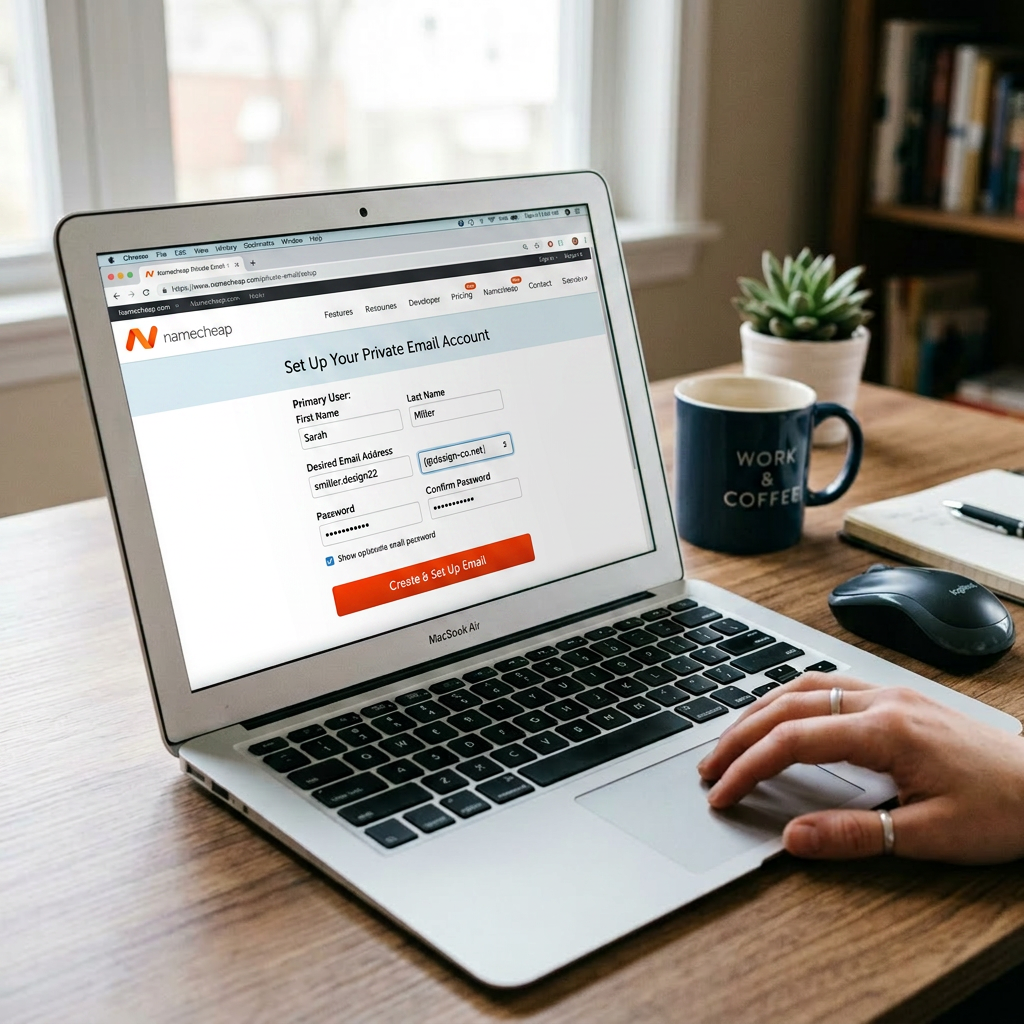
📧 Enabling Namecheap Private Email: 1‑Month Trial & Going Live
After getting a domain with Namecheap, I opted to use their Private Email for my real domain‑based email using their 1‑month free trial to test it out without commitment — and I’m planning to keep it for good. ✅ 🎁 Why I Started with the 1‑Month Trial Namecheap offers all Private Email plans as a…
-

🛒 How I Bought My Domain on Namecheap
Picking a registrar is one thing — actually buying the domain is surprisingly quick once you know where to click ✅ Here’s how I did it on Namecheap.com in a few simple steps: Congrats in getting a domain!👏🏻