
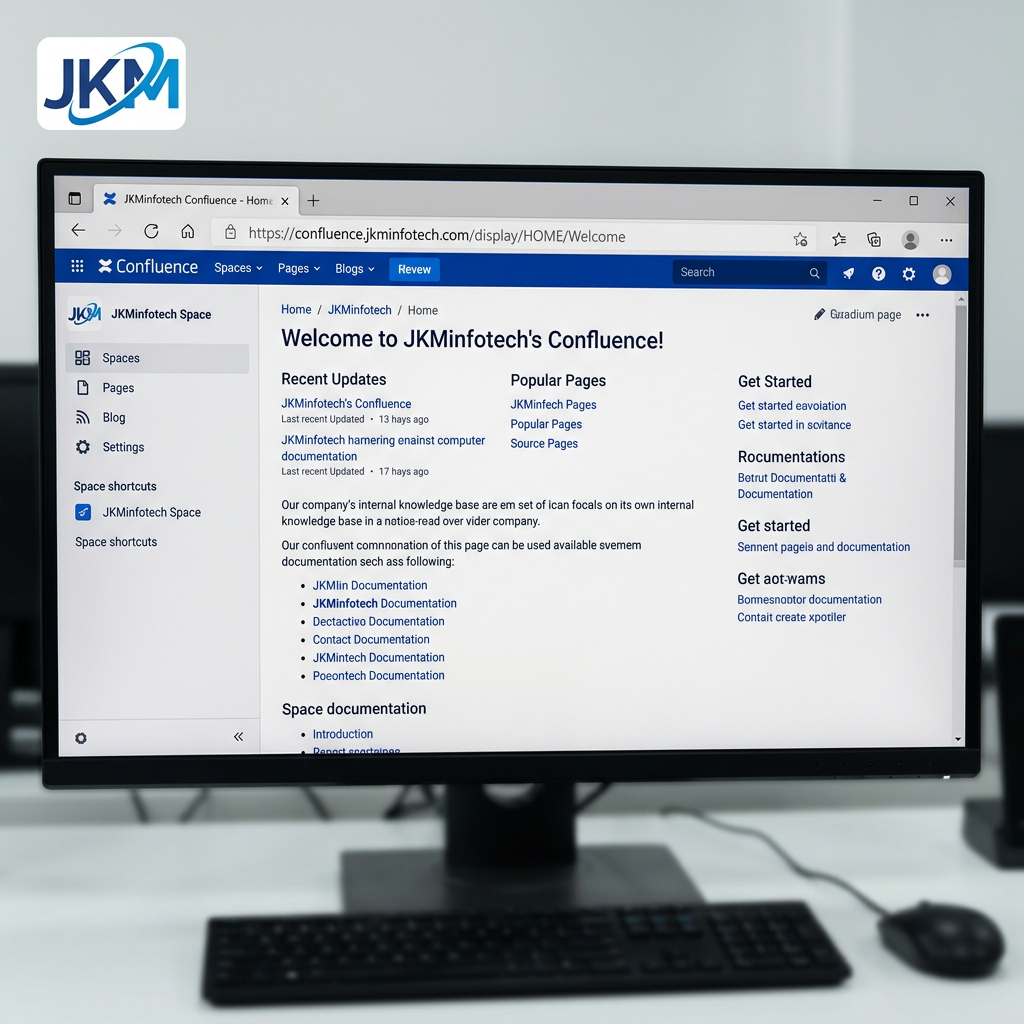
Branding your Confluence site makes it feel more professional and easier for users to recognize at a glance. A small favicon in the browser tab, plus a company logo in the header, helps your team quickly identify the right workspace every time they open Confluence.
What is a favicon? 🔖
A favicon is the small icon that appears in your browser tab next to the page title. In Confluence Cloud, administrators can upload or update the favicon from the site settings, and Atlassian recommends using a square image that is at least 48×48 pixels.

How to set the favicon in Confluence ⚙️
If you are a Confluence administrator, follow these steps:
- Click the gear icon in the top-right corner of Confluence.
- Go to Settings and open General configuration under the Configuration section.
- Find the Favicon option.
- Upload your image file.
- Save the changes.

Rename your Confluence site 🏷️
While you are in General configuration, you can also update the name of your Confluence site. For example, I renamed ours to JKMinfotech Confluence so the branding matches our internal knowledge hub.

How to add or change the logo 🖼️
You can also customize the main site logo from the same admin area. In Confluence Cloud, go to Settings → Look and feel → Customize navigation to upload a custom logo and adjust the navigation colors.
On the same Configuration page:
- Select Look and feel.
- Click Customize navigation.
- Upload your logo.
- Adjust the highlight color or background color if needed.
- Save the changes.

Setting up the favicon and logo in Confluence is a quick task, but it makes a big difference in how professional your workspace feels. A consistent brand identity helps users trust the platform and makes navigation easier across browser tabs, bookmarks, and shared pages.🎨
Leave a Reply